Alt Time
12-hour and 24-hour time, always visible on your lock screen
Lock screen widgets for iOS · $1.99
12-hour and 24-hour time, always visible on your lock screen
Lock screen widgets for iOS · $1.99
Alt Time shows the alternate time format your system isn't using. If your iPhone is set to 12-hour format, Alt Time displays 24-hour. If you use 24-hour format, it shows 12-hour time.
Perfect for anyone who needs to quickly reference both time formats without changing system settings.
Just toggle on and add your preferred widget style to your lock screen. That's it.
Automatically detects your system time format and shows the opposite.
Updates every minute with accurate time display.
Five widget variants designed for your lock screen
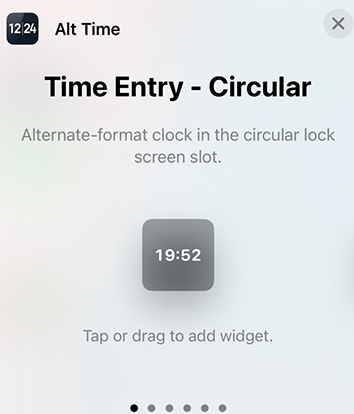
Clean, minimal time display in a circular format
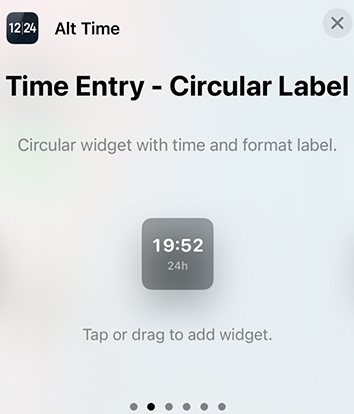
Shows time with "12h" or "24h" label
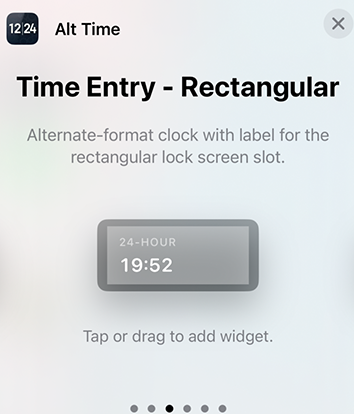
Time with format label and background
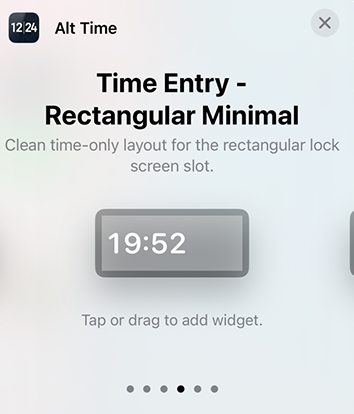
Time only, no labels or background
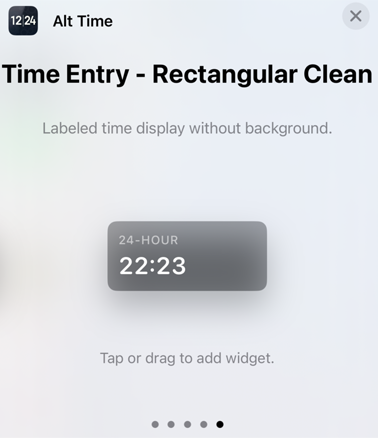
Clean rectangular design with optimized spacing
iOS lock screen widgets have strict design limitations set by Apple. Text alignment, sizing, and positioning are controlled at the system level.
Apple forces left alignment for rectangular lock screen widgets - there's no way to center text. Even Apple's own apps like Weather and Calendar can't center text in lock screen widgets.
We've extensively tested every known workaround, and the system restrictions cannot be bypassed reliably.
Instead of fighting impossible battles, we provide five thoughtfully designed variants so you can choose what works best for your lock screen layout:
If Apple releases new widget capabilities or design options in future iOS versions, we'll update Alt Time to take advantage of them.
The app is designed to work within iOS's current limitations while being ready to evolve as the platform does.
Swipe to see different arrangements
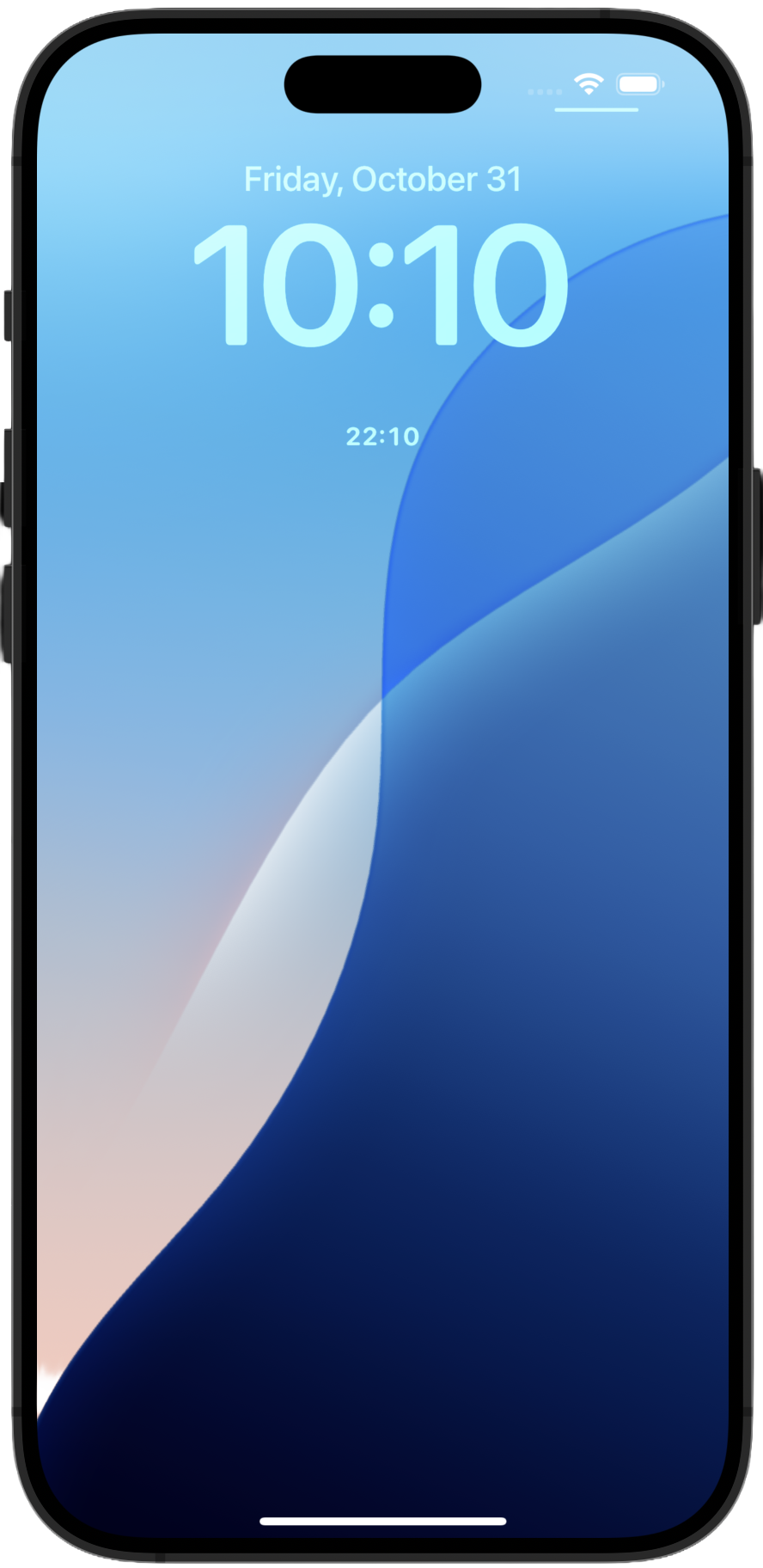
Circular
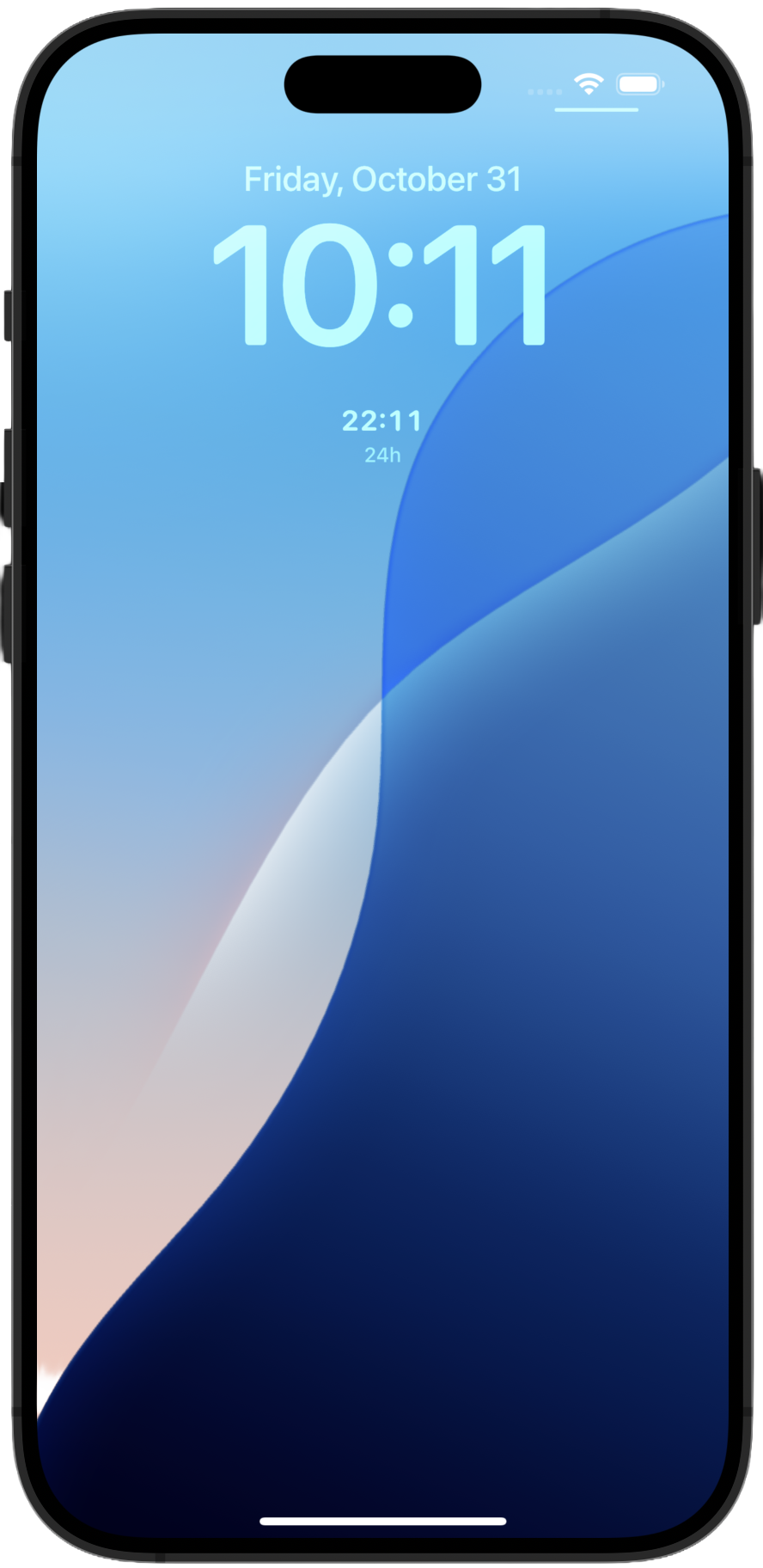
Circular Label
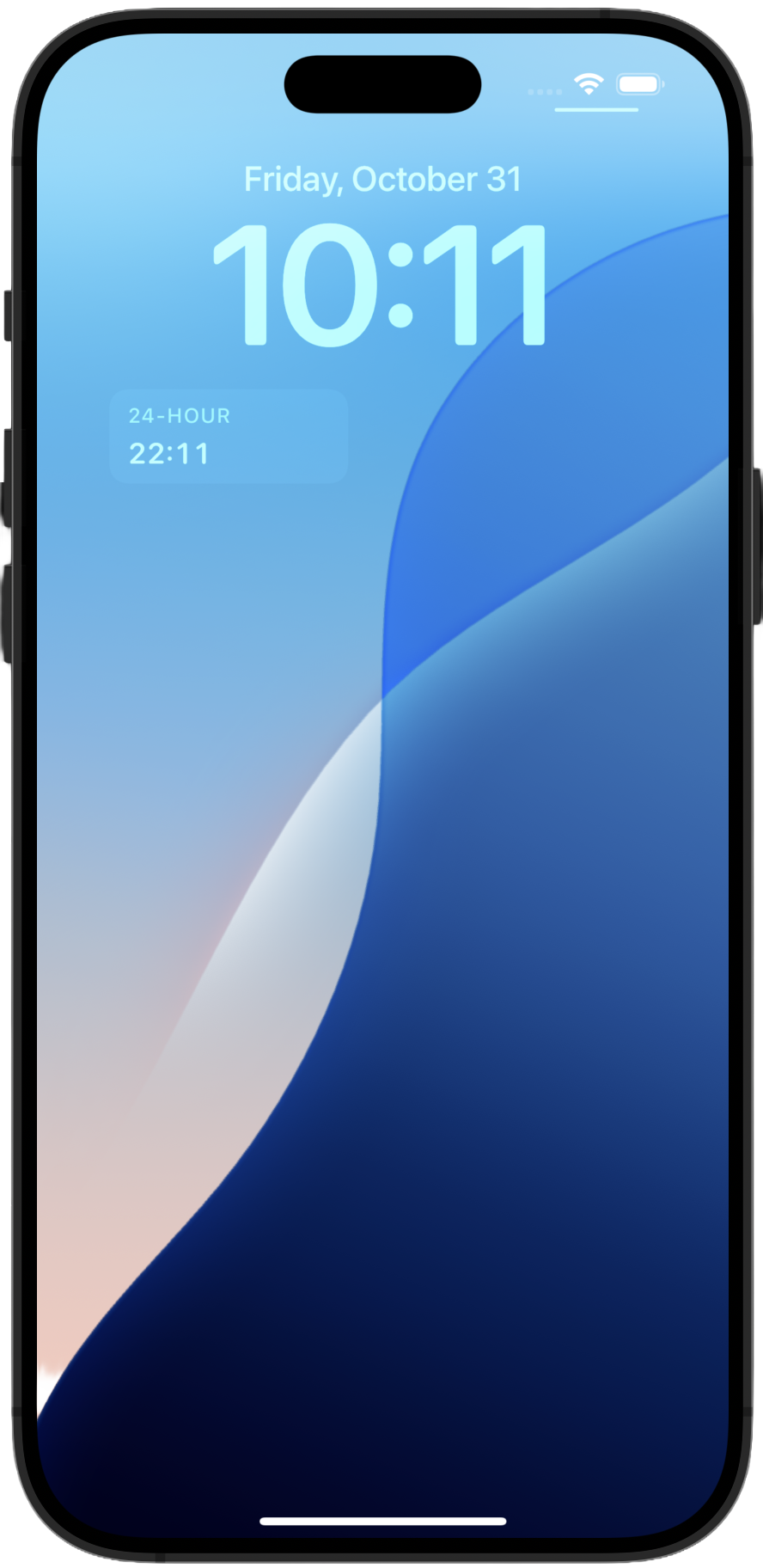
Rectangular
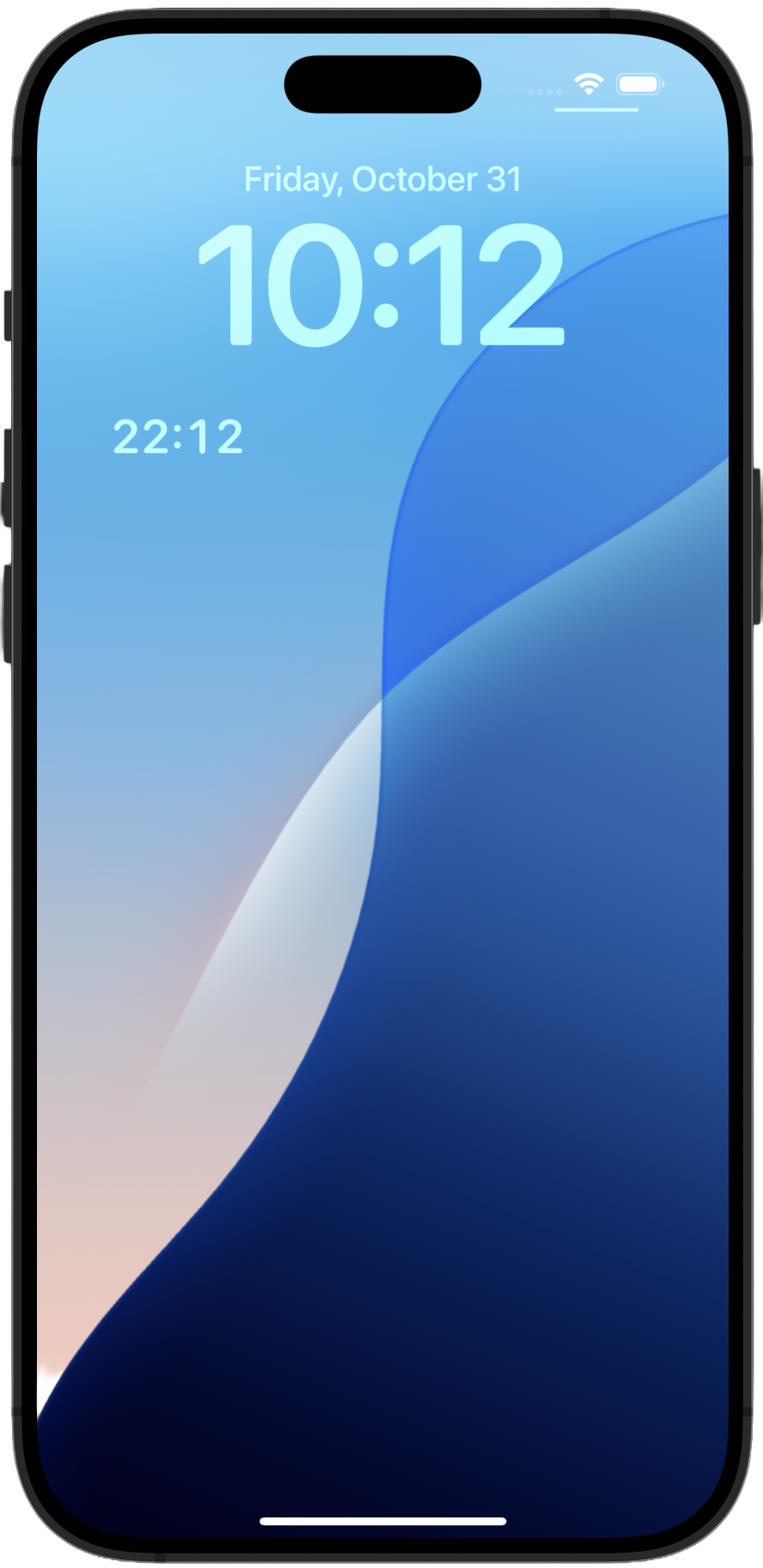
Rectangular Minimal
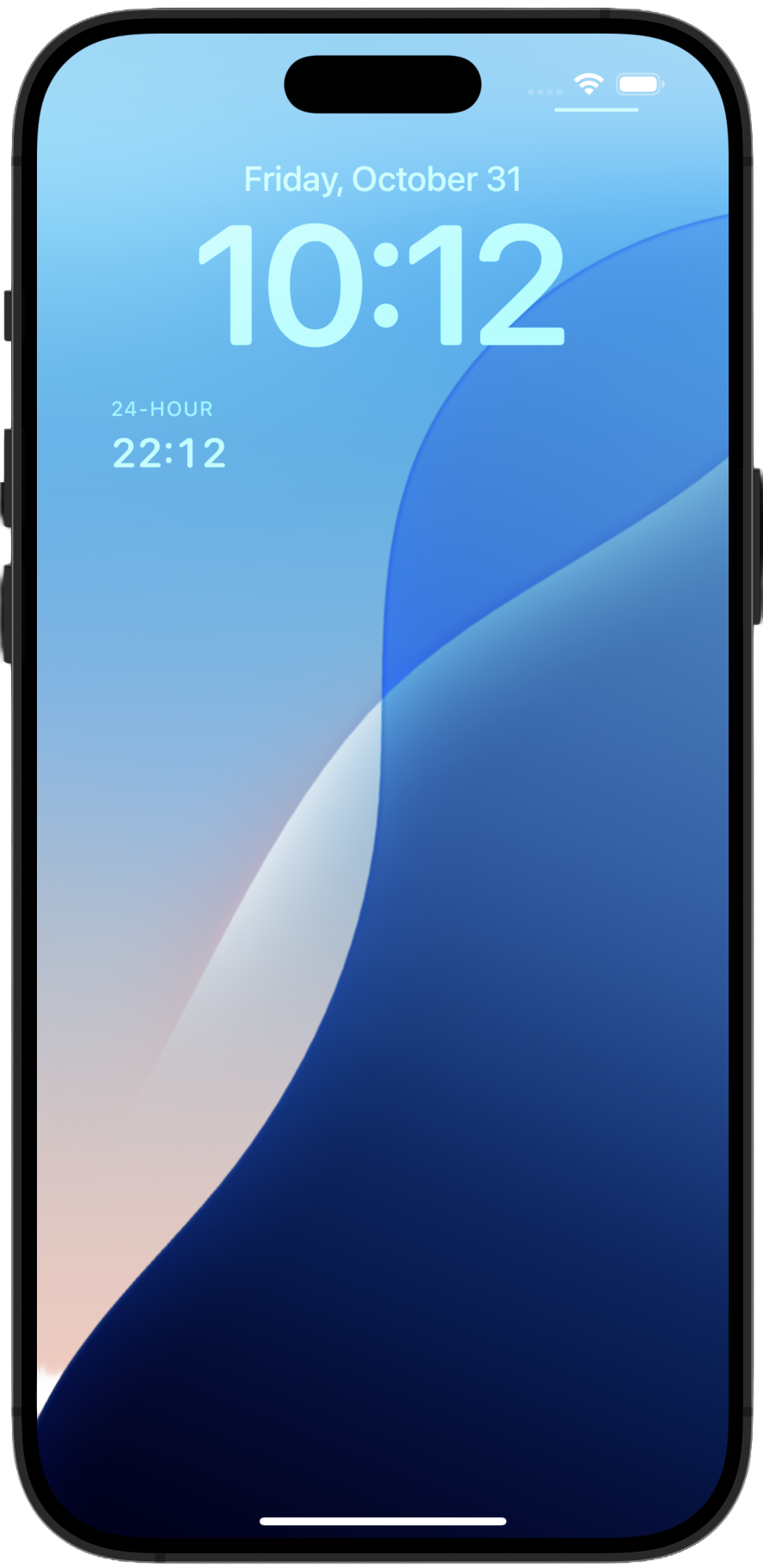
Rectangular Clean
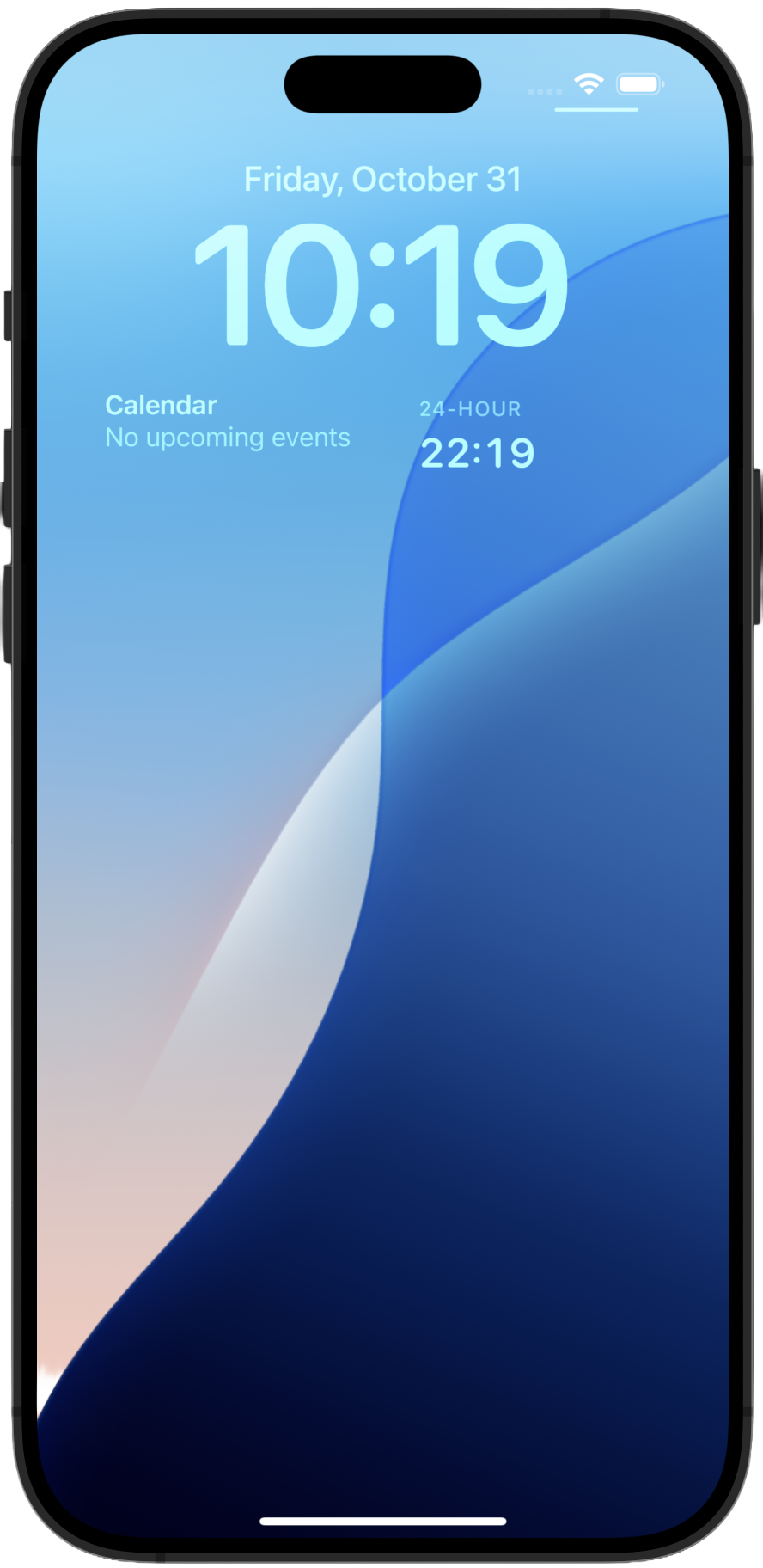
Layout Example 1
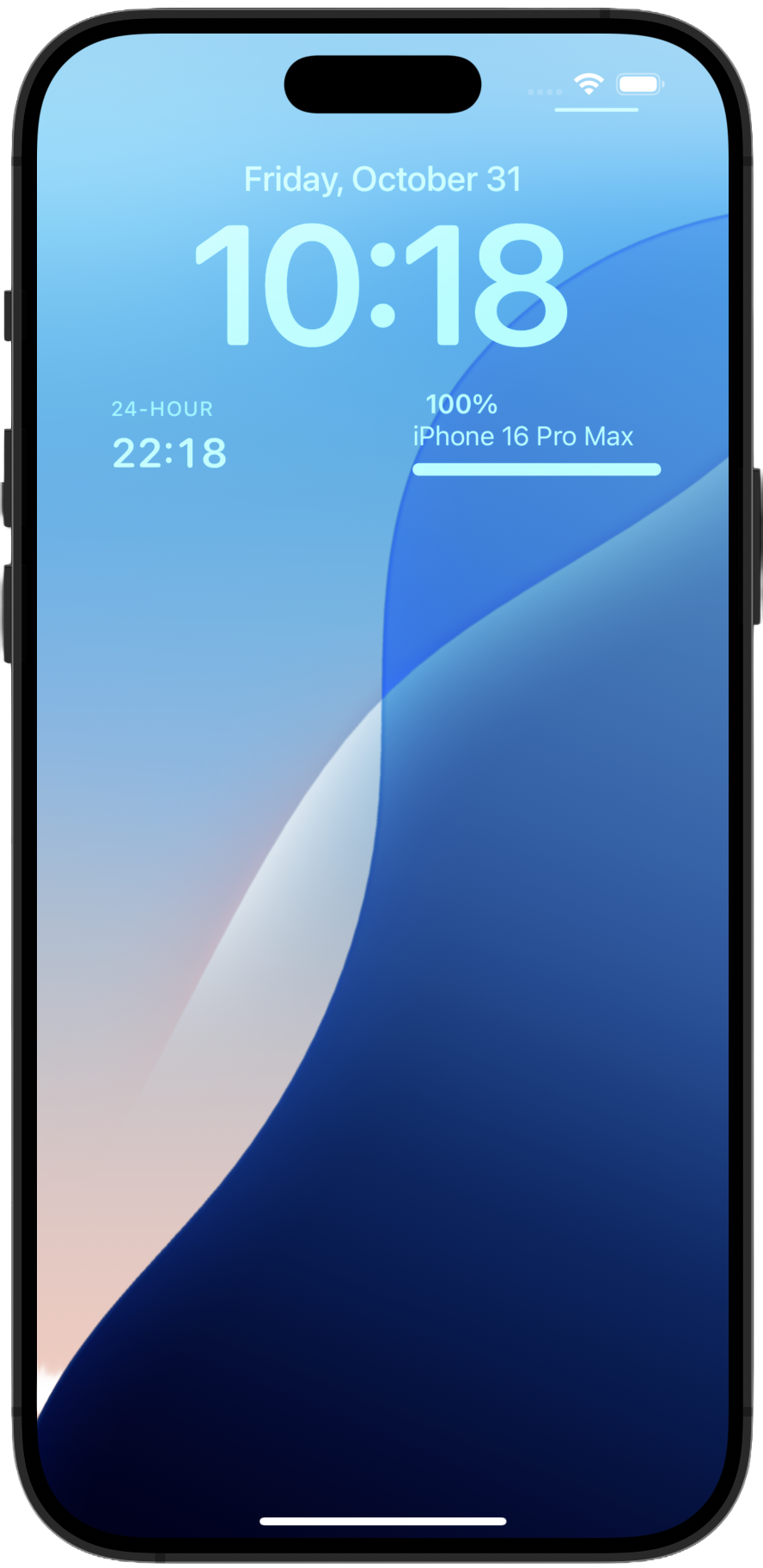
Layout Example 2
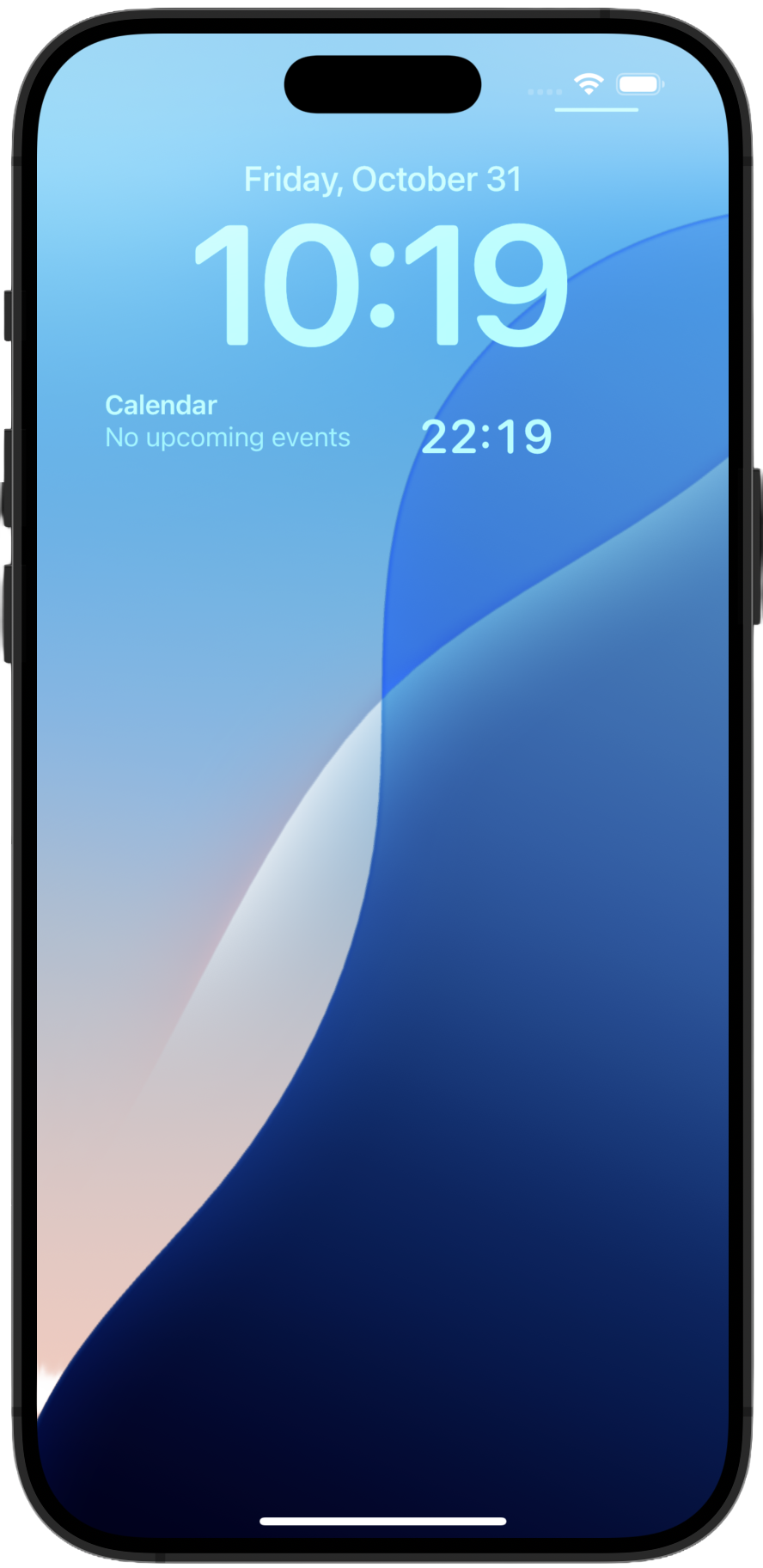
Layout Example 3
Alt Time requires iOS 16 or later. We respect your privacy—no data is collected, stored, or transmitted. Your information is never used for advertising or marketing.